I signed up for a Pinboard account in December 2014. At the time, I paid a one-time fee which felt appropriate for a software service that’s low use and requires minimal resources to run.
In early 2021 the Pinboard owner, Maciej, emailed all lifetime account members like myself and asked them to voluntarily convert to the annual subscription account model introduced in 2015. I took advantage of a deal he offered to pay up-front for 5 years in exchange for a notable discount. His position was twofold: costs to operate the service had risen over the years and additional recurring revenue would fund development of new features. Some of those new features did materialize, while others–like the v2 API–were never fully finished. I was now coming up on the end of my 5 year renewal and decided to look for alternatives.
Bulk Organizing
Before I even started searching for a replacement, I wanted to do something about the organizational mess I’d created over 10+ years. In total, I had 3,488 bookmarks dating to at least 2013, though many were imported from a Chrome profile and del.icio.us account where they’d piled up for many years prior. Just over 1,000 were untagged, and over 300 were quick links I saved as something to read later but never returned to or updated.
I didn’t want to import a mess to a new system, so I designed a multi-phase process to tidy things up. I knew there’d be some level of manual work, but I focused my effort on reducing that as much as possible.
Pulling Everything Down
The first step I took was getting a structured export of all my bookmark data. Thankfully, Pinboard makes this possible with a single request using the API token found on your account settings page:
curl 'https://api.pinboard.in/v1/posts/all?auth_token=your_api_token&format=json' \
  | jq > all_bookmarks.json
This gives us a starting point with a formatted JSON payload that’s human readable:
[
 {
    "href": "http://amyshirateitel.com/2011/04/03/the-lost-art-of-the-saturn-v/",
    "description": "The Lost Art of the Saturn V",
    "extended": "",
    "meta": "f71e8e9523020c6626c94e8b67ffcf0d",
    "hash": "8d27f9f59546e5013aeead8cdc99a09a",
    "time": "2014-04-15T19:19:13Z",
    "shared": "no",
    "toread": "no",
    "tags": "internet-classics engineering"
  },
  {
    // ...
  }
]
The schema here is straightforward:
href- the saved URLdescription- a short titleextended- a longer descriptionmeta- seems undocumented, but possibly related to the Arhiving featurehash- an MD5 digest of the URLtime- the timestamp when the record was createdshared- ‘yes’ when the item is publictoread- ‘yes’ when the item is marked unreadtags- 0 or more tags, separated by a space
Documentation for the API is available but I relied on Claude to generate most of the scripts and didn’t run into any issues.
Phase 1: NXDOMAIN
Now that I had the full dataset, I started the process of cleaning things up. The first pass was a script that looped through the data and performed a DNS lookup on each domain. If the domain was no longer registered, my only option for keeping the link would have been updating the bookmark to a Wayback machine URL instead. Of the 104 links that failed this check, I didn’t finda any that were worth keeping.
Phase 2: Net::HTTPNotFound
The second phase made a GET request for each URL. I added around 20 domains like reddit.com and news.ycombinator.com that I knew were fine and could skip this pass. If the request returned a success or redirect response, those were kept. I marked URLs with all other responses for deletion after review.
This culled another 296 URLs. Again, many of these could be resurrected using the Wayback Machine, but the majority were outdated technical blogs on company websites that had been restrctured. Most of these were far enough out of date to not be relevant anymore so I made a decision to delete them all except a few where I found an updated URL and fixed the record.
Remember: Cool URIs Don’t Change
Phase 3: Unread & Untagged
At this point, I’d eliminated the low-hanging fruit. I wrote another script to output the untagged URLs I had left. With some quick visual grouping, I was able to bulk tag another 100 or so, leaving me with about 400 that needed a one by one effort.
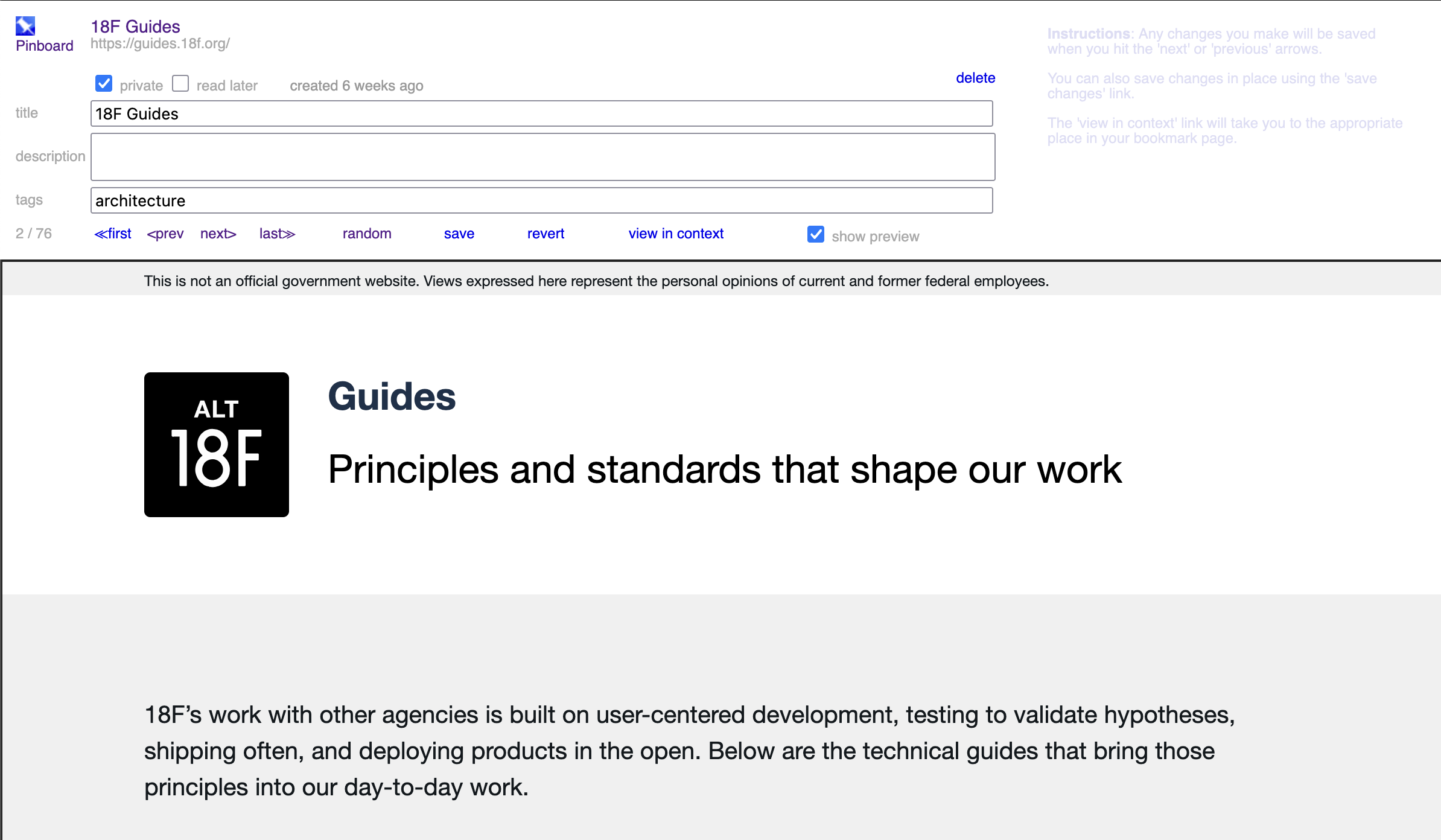
Pinboard has some good tools for efficiently organizing, either through bulk editing or in Organize mode, which iframes in the content so you can review it and update the record in one shot.
Finding a New Service
I’ve been weary from a barrage of emails over the last many years about price increases. I totally understand this is just a cost of doing business, but I’m also getting tired of the enshittification of everything.
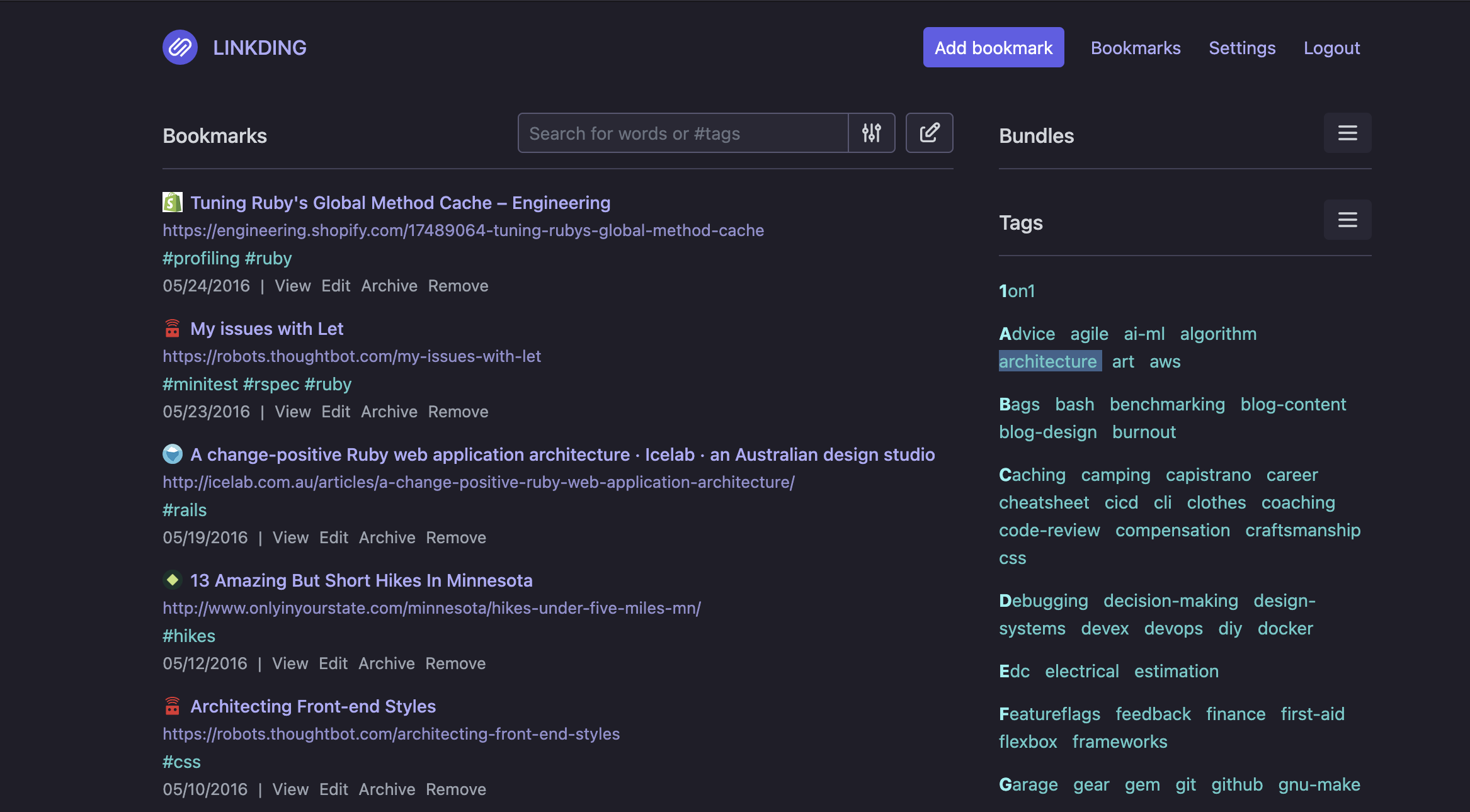
I’d recently read about Linkding, A self-hosted bookmark manager designed to be minimal, fast, and easy to set up. One of my key use cases is being able to easily add bookmarks from either my Macbook or my phone (Pixel 10), so I was thrilled to see Linkding ships a manifest for a Progressive Web App, meaning the native share sheet on Android will support it, even though I’m hosting it myself.
There are turnkey options on sites like PikaPods, but I decided to instead treat this as an opportunity to learn more about AWS+Terraform and set up container-based hosting myself.
AWS infrastructure
I initially looked at using AWS Lightsail for both simplicity and low cost. That turned out to be a dead end for a few reasons: it didn’t support custom hostnames without migrating the main domain to Lightsail’s DNS management, it didn’t support persistent data mounts which I needed for SQlite, and finally the cost to hook up a postgres instance made the cheap compute costs no longer cheap.
I pivoted to EC2 Spot Instances with a 1GiB EBS mount to store the application data. This was considerably more complex to set up, but using Terraform gave me a ripcord to pull if I had to tear it all out again and fit well with the Terraform config I already had in place for this website. With a lot of help from OpenAI’s Codex, I ended up with the following:
- A single EC2
t4gspot instance with a custom launch template and VPC - An ALB that redirects HTTP→HTTPS and an associated Route53 alias record
- An EBS volume with regular snapshots
- A custom launch template that installs Docker, mounts the EBS volume, runs the Linkding container, and sets up a systemd timer to regularily update the host OS, and linkding docker container image
This took a few hours to put together. The most challenging part came in the days after the initial setup when I had to modify the launch script and some other parts of the infrastructure to be more tolerant of AWS forcibly reclaiming my spot instance. I could have avoided this by using a regular instance but the cost savings of the Spot compute was appearling and some disruptions are fine for something I use once or twice a day.
Importing the data.
Now that I had the application running, I moved on to the final part of the
process: Importing all the data. I took another full export of my pinboard data
and created a script that used the Linkding API to import them.
One issue I ran into was with timestamps: Linkding’s API doesn’t support
backdating the create-time, so I opted to append Originally saved: <date> to
all of the description values with the timestamp from Pinboard. A day or two
later, I realized that I could log into the container and use Sqlite to manually
update all the created-at timestamps. That took some trial & error, but I was
able to successfully re-process every link and strip out the now-redundant
comments from the link descriptions.
Takeaways
- If you charted tags over time, you’d see several distinct arcs from key moments of the past several years: building a house, transitioning from IC to manager at work, going deep on investment strategy, building company culture, and much more.
- With those mini-eras are clusters of authors whose work resonated with me at that point in time. I wrote a couple of them emails to say thanks for helping shape my perspective.
- There were some articles from years ago that are highly relevant to things I’m working on professionally right now. Just goes to show that good writing can be timeless.
- With modern LLMs, it’s unbelievably simple to stand up secure infrastructure using Terraform or your IAC tool of choice. It’s hard to believe anyone would touch the web console at this point for anything semi-permanent.